Android · No account needed
Know where your money actually goes
Most budgeting apps want your bank login before they'll show you anything. Budgetwise doesn't connect to your bank at all — you log an expense in seconds with a calculator keypad, and every number on screen is one you put there.
- No account
- No bank login
- English & Español
What's inside
Everything one tap away
Log an expense in seconds
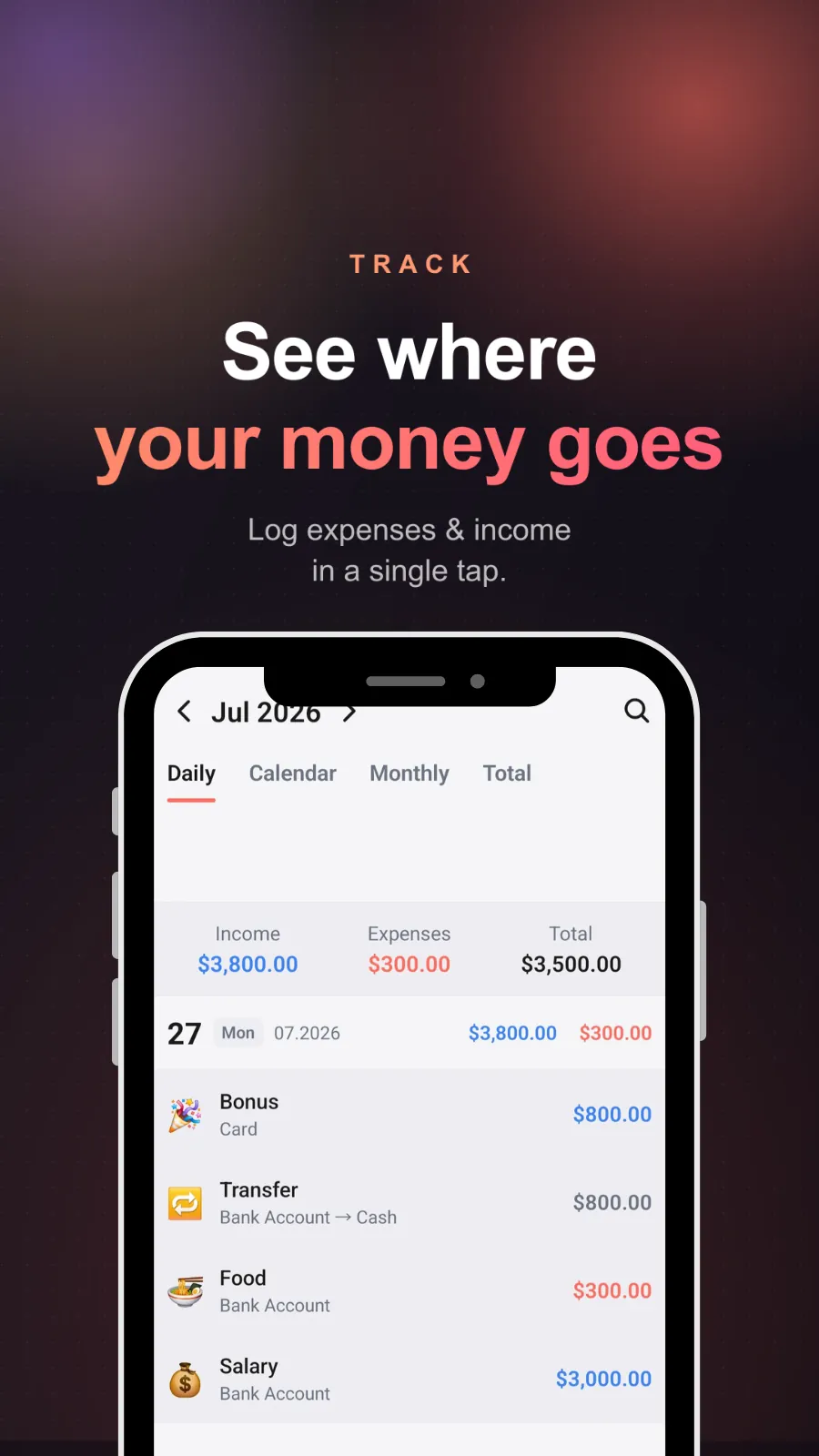
A built-in calculator keypad for adding expenses and income fast enough that you'll still be doing it next month.
Daily, monthly and total views
Switch between daily, calendar, monthly and total to see your money at whatever range you're actually thinking in.
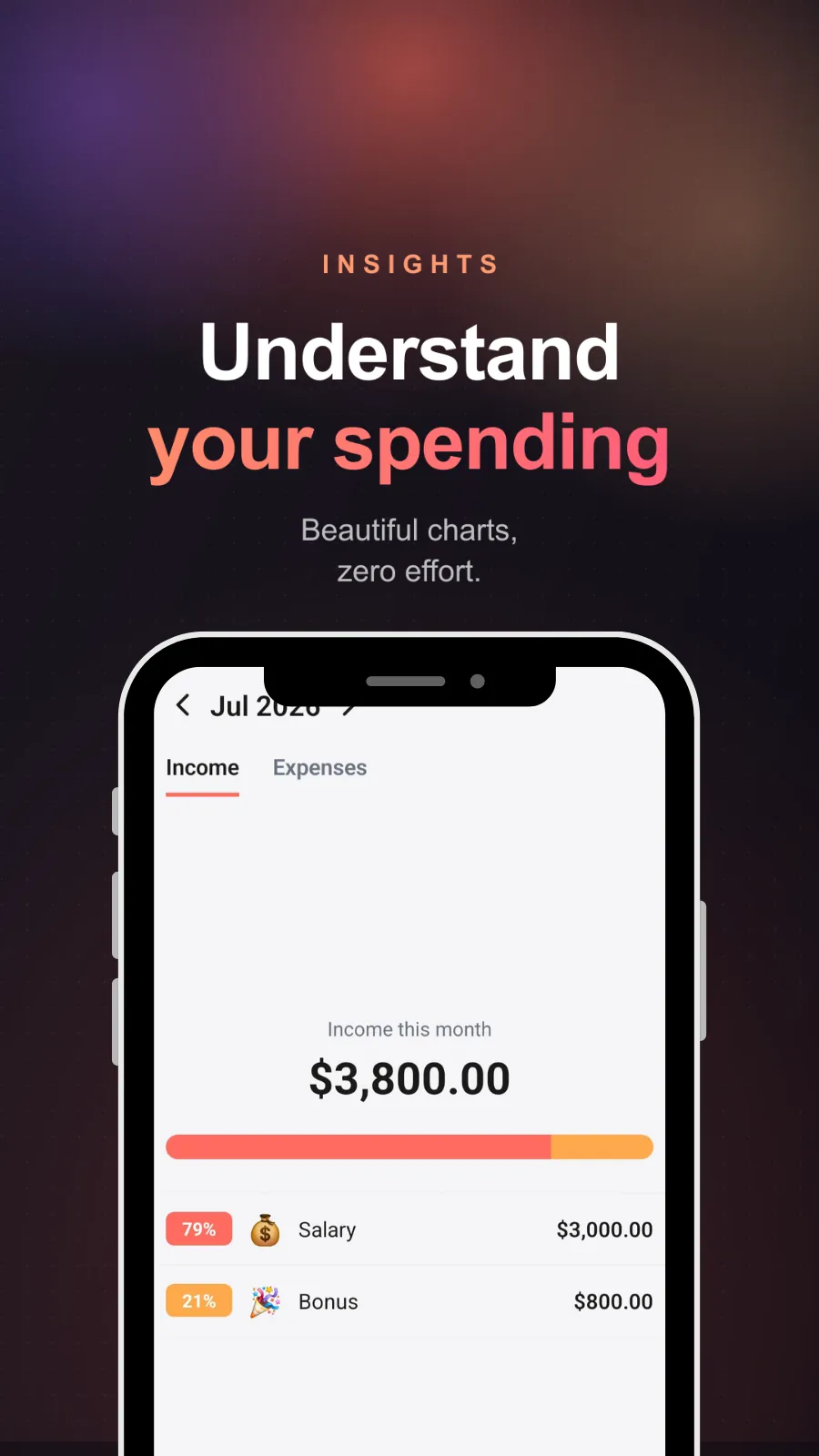
Spending breakdowns
Charts showing where your money went by category, with percentages, so the biggest line item stops being a surprise.
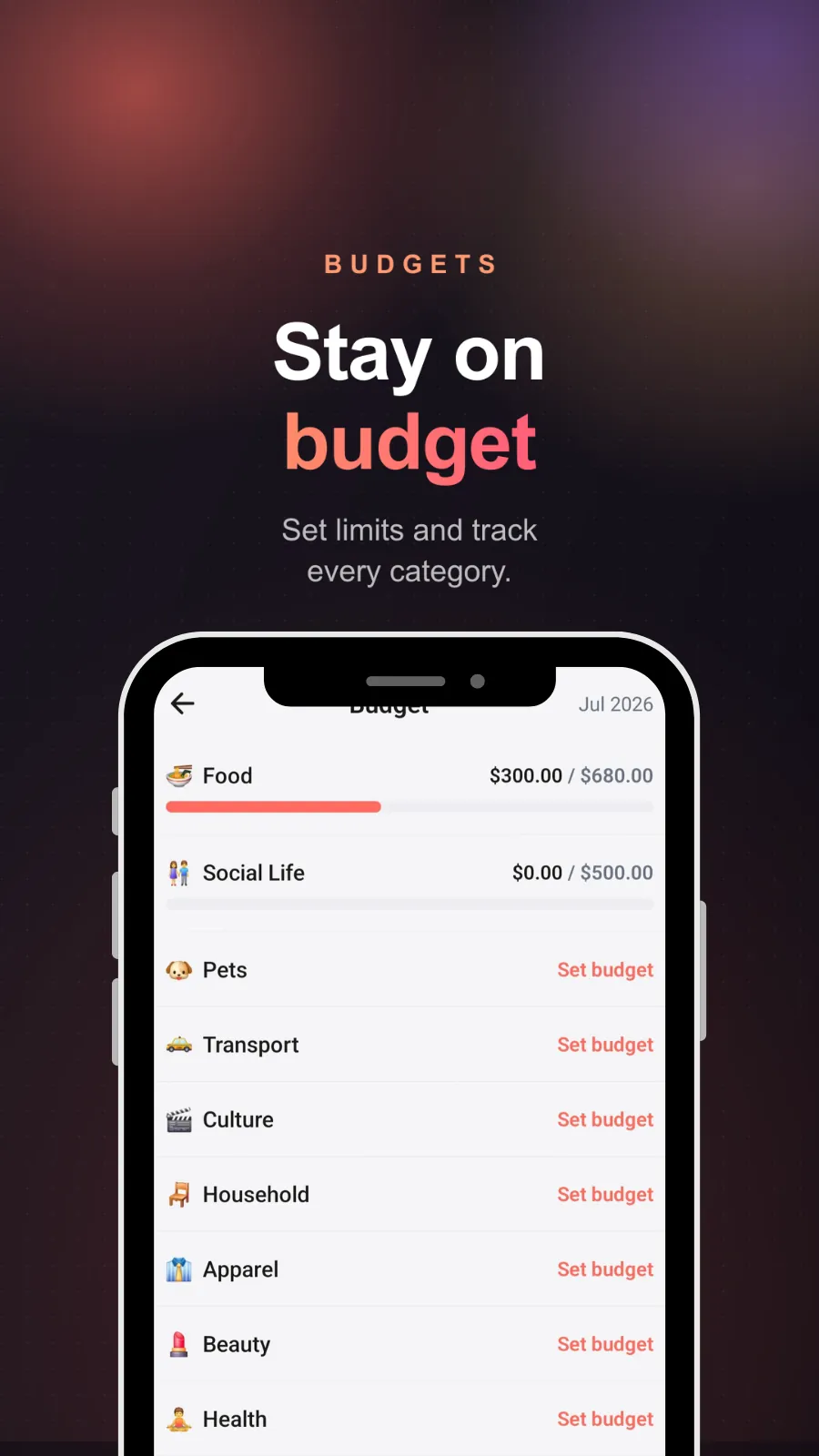
Budgets with over-budget alerts
Set a monthly limit per category and track it with simple progress bars. Get told when you cross the line, not after.
Multiple accounts
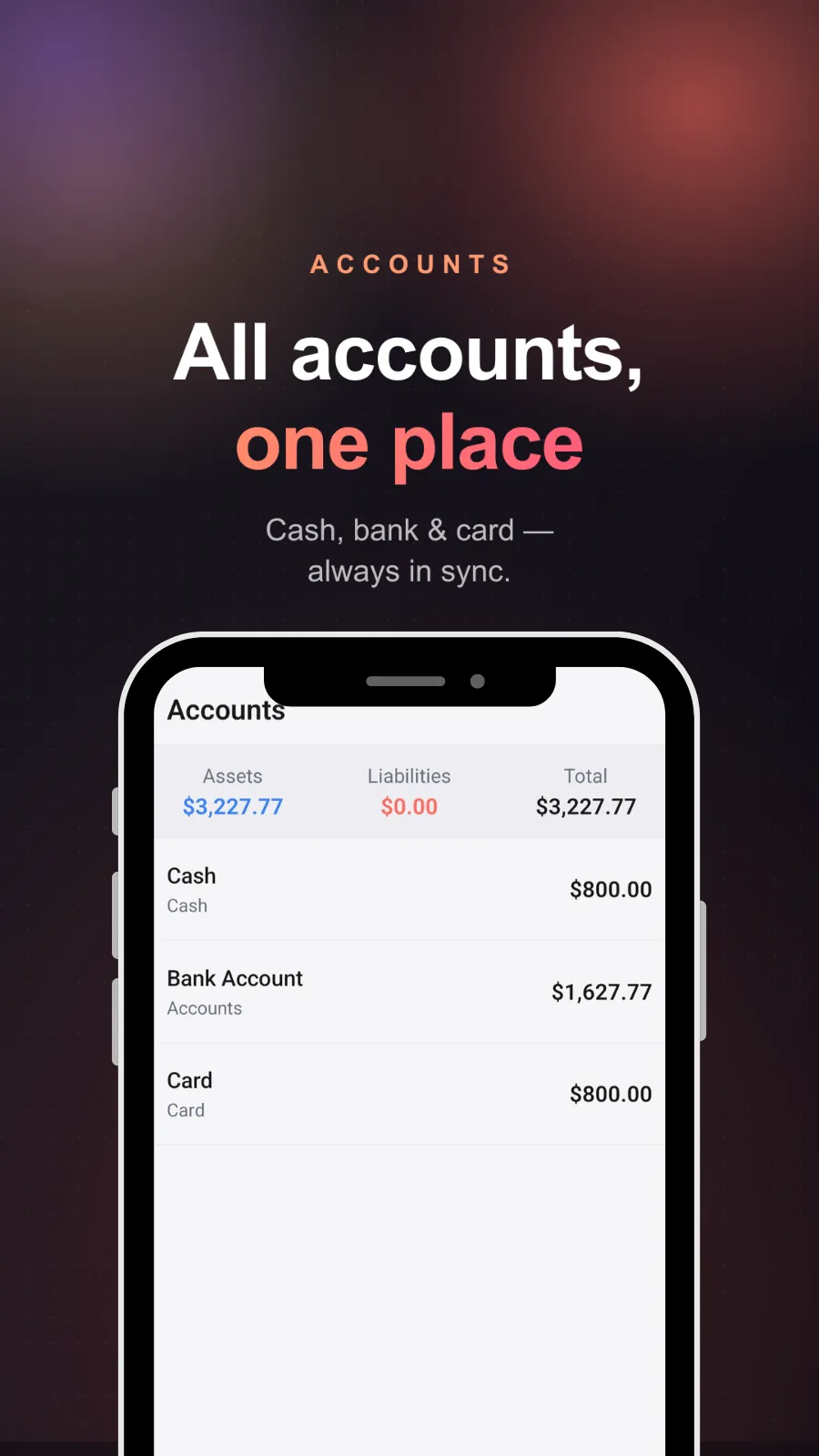
Cash, bank and card side by side, with balances that update themselves and a running assets and liabilities total.
No bank connection
Budgetwise never asks to link a bank. Nothing is imported behind your back, and your data isn't sold or shared.
Categories with icons
Food, transport, bills, shopping, pets, health and more — visual enough to scan a month of spending at a glance.
Cloud backup and sync
Your entries are backed up and synced across devices, so a new phone doesn't mean starting your history over.
Screens
What it actually looks like
How it works
Set up in about a minute
- 01
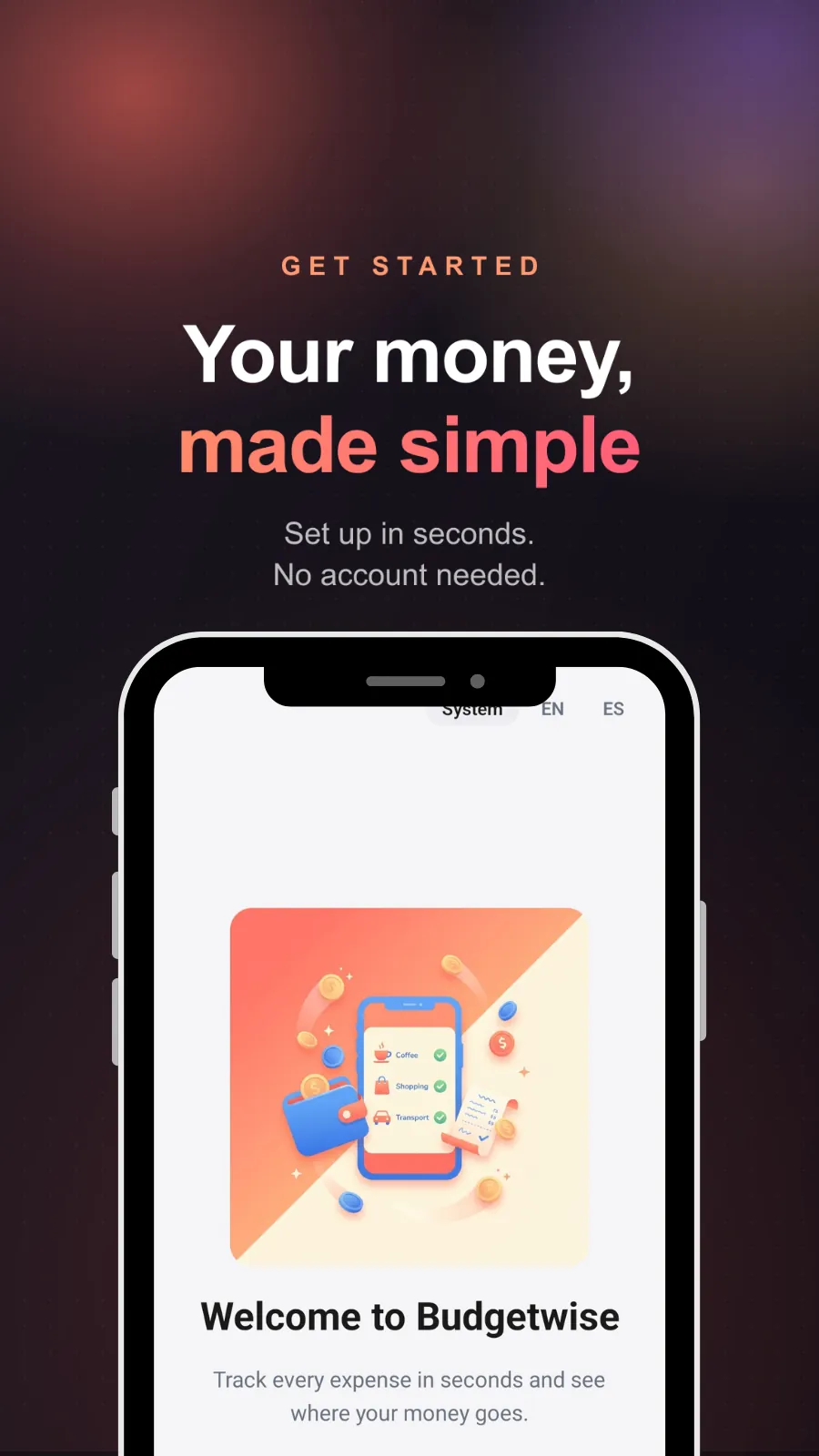
Open it — no sign-up
No account, no email, no bank credentials. Pick your language and you're in.
- 02
Log what you spend
Tap, punch the amount into the keypad, pick a category and an account. A few seconds per entry.
- 03
Set budgets and watch the charts
Give your biggest categories a monthly limit. After a couple of weeks the breakdown tells you what to actually change.
Pricing
Free to use. Premium if you want it.
Monthly
Budgetwise Premium billed every month. Cancel anytime.
Yearly
The same Premium access billed once a year.
Budgetwise is free to download and use. Premium is sold through Google Play as either a monthly or a yearly subscription — neither includes a free trial. Subscriptions can be cancelled anytime from your Play Store account.

Questions
Frequently asked
Do I need an account to use Budgetwise?
No. Budgetwise sets up in seconds with no account, no email and no password. You pick your language and start logging.
Does Budgetwise connect to my bank?
No, and that's deliberate. There is no bank login and nothing is imported automatically — you add each expense and income yourself, so every figure is one you entered. Your data is not sold or shared.
Is Budgetwise free?
Yes, Budgetwise is free to download and use. Premium is an optional upgrade sold through Google Play as either a monthly or a yearly subscription.
Is there a free trial for Premium?
No. Neither the monthly nor the yearly plan includes a free trial — you can use the free version for as long as you like instead.
Can I track more than one account?
Yes. You can keep cash, a bank account and a card side by side, each with its own balance, plus a combined assets, liabilities and total view.
Are my entries backed up if I change phones?
Yes. Your data is backed up and synced across your devices, so switching phones doesn't cost you your history.
Is Budgetwise available in Spanish?
Yes. Budgetwise is available in English and Spanish, and you can switch language from the app.
Start tracking your expenses the simple way
Log your first expense in the next minute, and give yourself a clear picture of your money by the end of the month.